The Best Way to Reduce Helpdesk Ticket Volume with an AI Knowledge Base

Repetitive tickets are killing your team's productivity. Password resets, access requests, policy questions. The same issues flood your queue every single day. The fix is not hiring more agents. It is making sure employees can answer their own questions before a ticket ever gets created.
An AI knowledge base does exactly that.
Why Traditional Self-Service Fails
Static FAQ pages and PDF documentation do not reduce ticket volume because employees do not use them. The search is too basic, the content goes stale, and there is no conversational layer to handle follow-up questions. It is faster to just submit a ticket.
How an AI Knowledge Base Actually Works
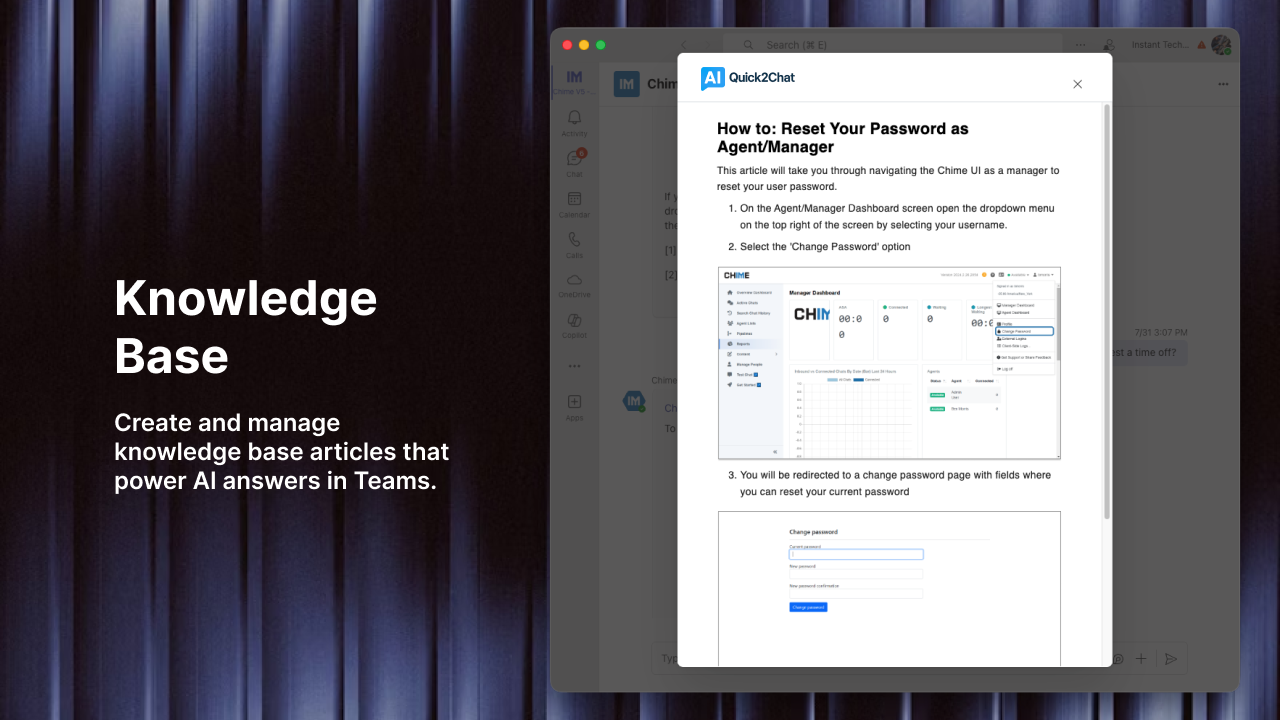
An AI knowledge base uses retrieval-augmented generation (RAG) to pull answers directly from your existing content, including SharePoint files, internal wikis, policy documents, and past ticket resolutions, and delivers them in plain, conversational language.
The key differences from traditional self-service:
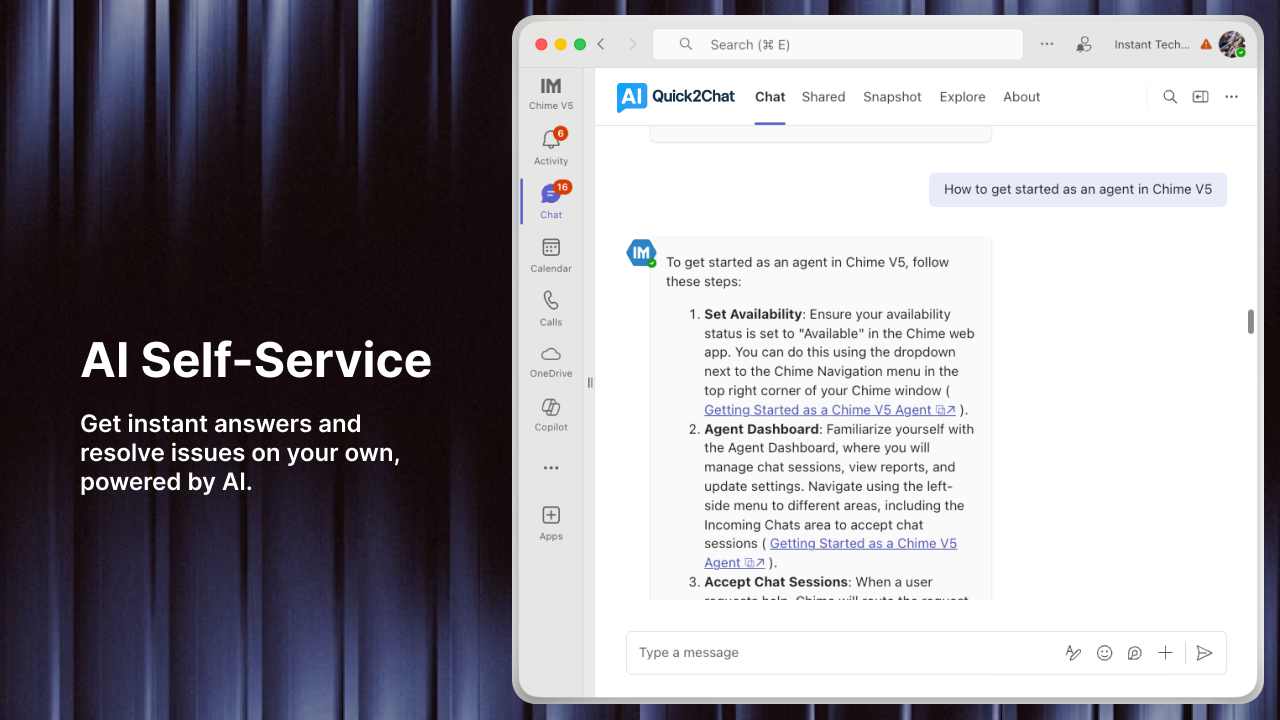
- It understands intent, not just keywords. A user who types "I can't get into my laptop after vacation" gets the right answer about account unlocks without needing to know the correct search terms.
- It answers from your own content. Responses are accurate and company-specific, not generic web results.
- It handles follow-up questions. Employees can ask clarifying questions in the same conversation without starting over.
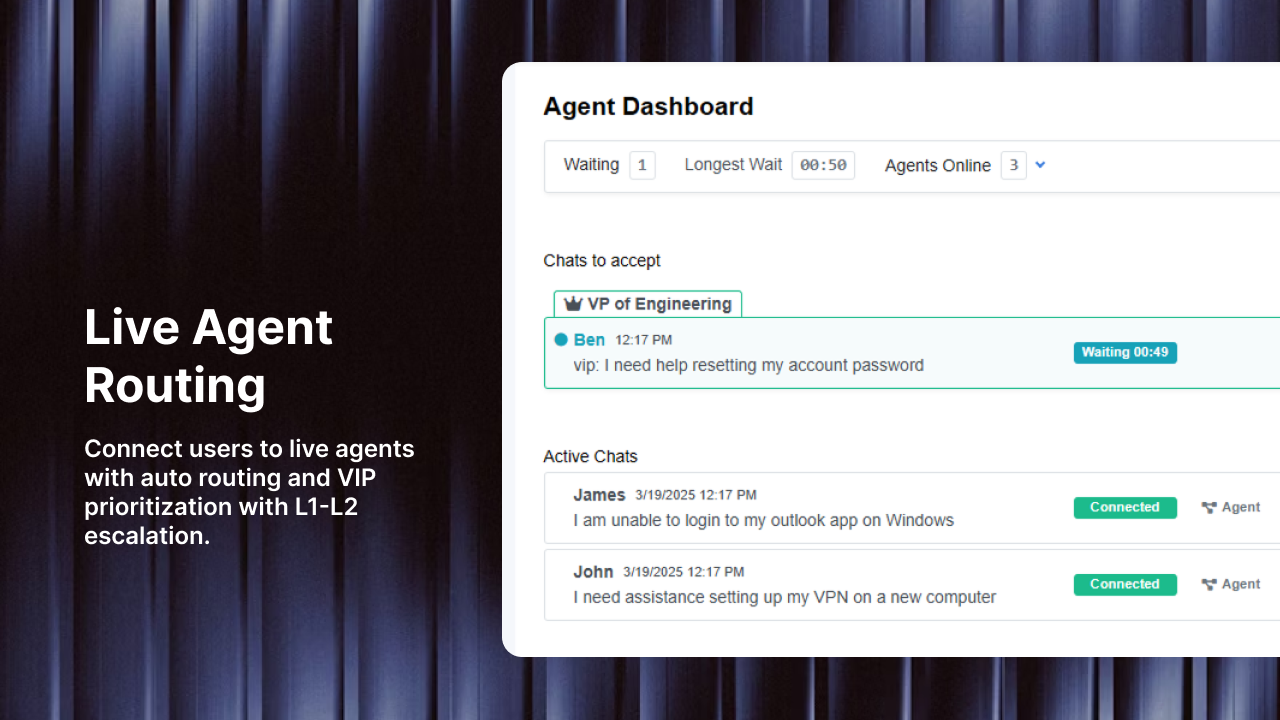
- It escalates with context. When the AI cannot help, it hands off to a live agent with the full conversation history intact so the employee never has to repeat themselves.
Where Ticket Volume Actually Drops
Before the Ticket Is Created
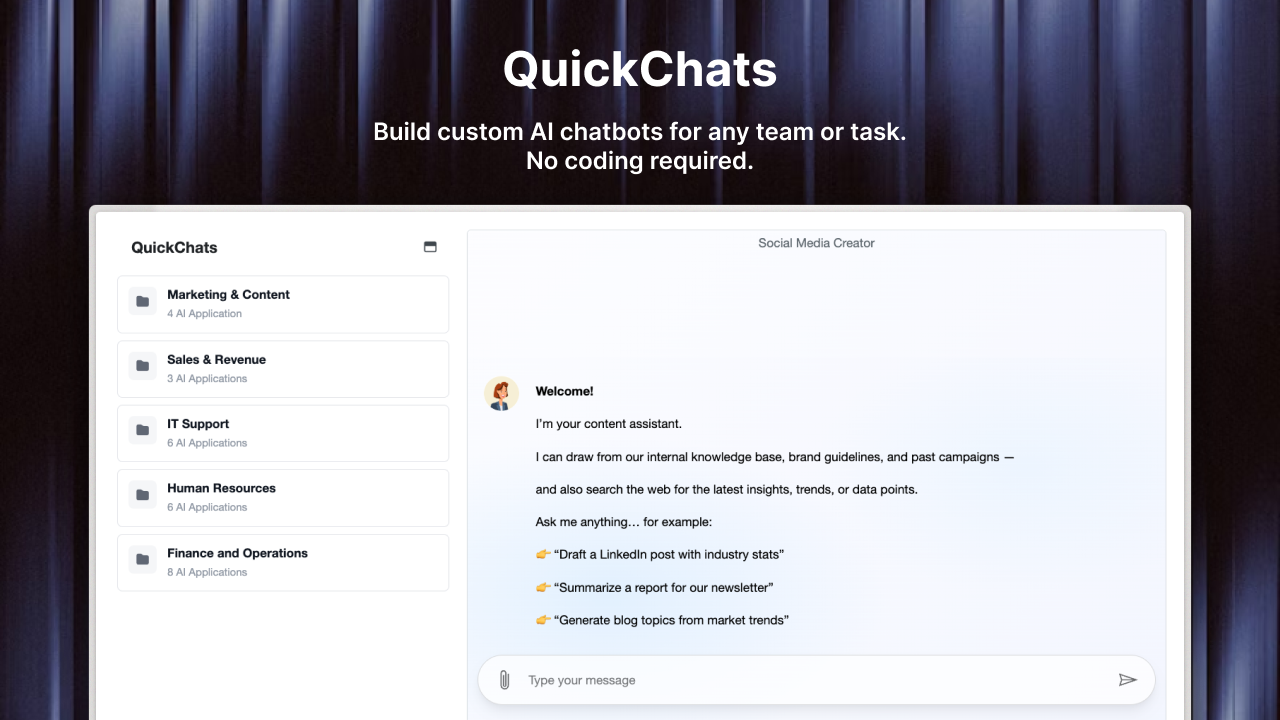
The highest-leverage point in your support workflow is before a ticket is ever submitted. When an AI chat interface is embedded in Microsoft Teams or your support portal, employees get instant answers at the moment they need them. No form to fill out. No queue to wait in. If the answer exists in your knowledge base, the ticket never gets created.
At the Tier-1 Level
Password resets, software access, HR policy questions, onboarding guidance. These are your highest-volume, lowest-complexity tickets. An AI knowledge base resolves them without any agent involvement. Organizations that deploy AI-assisted self-service typically see 40 to 60 percent of Tier-1 tickets handled autonomously within the first 90 days.
Through Better First Responses
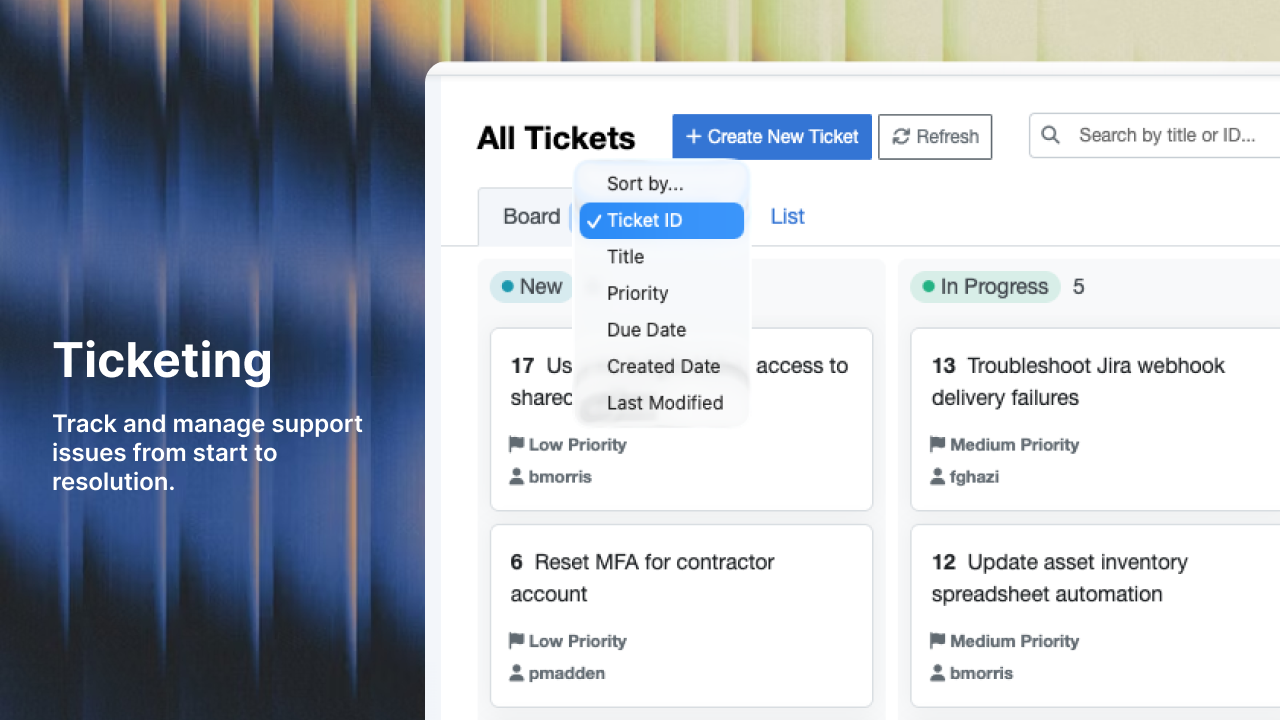
When a ticket does come in, AI can surface the most relevant knowledge base content for your agents so resolutions are faster and more complete. A thorough first response reduces repeat tickets from the same user on the same issue.
By Exposing Knowledge Gaps
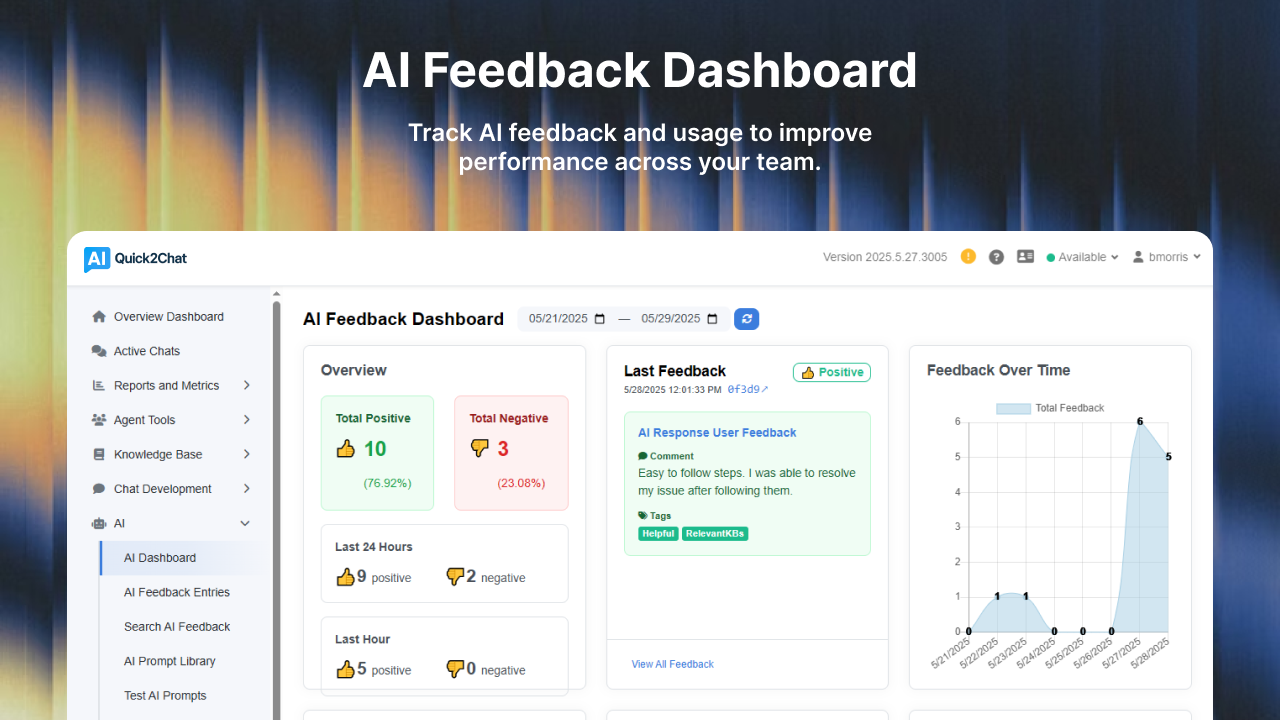
Every time the AI cannot answer confidently, that is a data point. A good AI helpdesk platform tracks these failures and helps your team identify exactly which documents need to be created or updated. Over time, your knowledge base improves and your deflection rate climbs.
What to Look for in an AI Knowledge Base Platform
Not all solutions are built the same. Here is what matters most for enterprise teams:
- Native Microsoft Teams integration so employees get help where they already work.
- RAG-based document intelligence that connects to SharePoint and your existing content repositories.
- AI-to-human handoff that preserves full conversation context for agents.
- Analytics and reporting that surface which questions are being asked and which are going unanswered.
- Multi-language support for global teams.
Getting Started
The fastest path to reducing ticket volume is to start with your most common ticket categories. Pull a report of your top 20 ticket types from the last 90 days, make sure those answers exist somewhere in your documentation, and connect that documentation to your AI knowledge base.
From there, the system does the work. Employees get faster answers. Agents handle fewer repetitive requests. And your support team can focus on the complex problems that actually need human judgment.
Quick2Chat makes this straightforward to deploy for enterprise teams, with built-in Microsoft Teams integration, SharePoint sync, and AI-to-human handoff built for real-world support workflows.
Book a demo to see how it works, or start a free trial today.