Building an Effective Ticket Categorization Strategy for Large Organizations

When organizations struggle with their ticketing systems, the problem often is the taxonomy.
For large organizations managing thousands of support requests monthly, a well-designed categorization strategy speeds up routing, improves resolution times, and provides the data needed for informed decisions. Yet many organizations either overcomplicate their taxonomy with hundreds of unused categories or oversimplify it so much that reporting becomes meaningless [2].
This guide provides practical frameworks for creating a logical, scalable taxonomy that improves both routing efficiency and reporting accuracy. Whether you're starting from scratch or fixing a broken system, these approaches will help you build structure that actually works.
Understanding Taxonomy Fundamentals
Before diving into frameworks, it's important to understand what ticket taxonomy actually is and why it matters.
What Is Ticket Categorization?
Ticket categorization is the systematic process of classifying support requests based on their nature, urgency, and required resolution path [3]. It differs from ticket classification—categorization refers to high-level grouping (Hardware, Software, Network), while classification dives deeper into specifics (Printer, Monitor, Keyboard) [4].
A corporate taxonomy is the hierarchical classification of entities used to organize information throughout an enterprise [5]. In ticketing systems, this hierarchy helps both humans and machines understand ticket relationships, priorities, and routing requirements.
Why Categorization Matters
Proper categorization serves multiple business functions:
Improved Routing Efficiency: Categories guide tickets to the right team or individual based on issue type, urgency, and required expertise [6]. When a ticket lands in the correct queue immediately, resolution begins faster.
Better Resource Allocation: Understanding ticket patterns allows managers to staff appropriately. If 40% of tickets fall into "Password Reset," you know where to focus self-service solutions [7].
Accurate Reporting: Categories become the foundation for trend analysis, problem identification, and capacity planning. Without consistent categories, reports become noise [8].
Knowledge Base Integration: Well-categorized tickets enable knowledge base articles to surface automatically, helping both agents and end users resolve issues faster [9].
SLA Management: Different categories often require different SLA targets. A P1 security incident needs immediate attention; a standard access request can wait [10].
Framework Approaches for Ticket Taxonomy
Several proven frameworks exist for organizing ticket categories. The right choice depends on your organization's size, complexity, and ITSM maturity.
The ITIL Framework
ITIL (IT Infrastructure Library) provides the most widely recognized approach to ticket categorization. It organizes tickets into four primary types [11]:
Incident Tickets: Unplanned interruptions to service that need restoration. Examples include system outages, application errors, or service degradation. The goal is restoring normal service as quickly as possible.
Service Request Tickets: Planned requests for information, advice, or access to services. These include password resets, software installations, or new hardware requests. Unlike incidents, these are expected and follow standard fulfillment procedures.
Problem Tickets: Root cause investigations for recurring incidents. When the same incident keeps appearing, a problem ticket identifies and addresses the underlying issue to prevent future occurrences.
Change Tickets: Formal proposals for modifications to IT services. These follow controlled processes with risk assessment, approval workflows, and rollback plans to prevent service disruption.
This four-type structure provides clear separation between different request categories, each with its own workflow, priority system, and success metrics [12].
The CREATE Methodology
The CREATE methodology offers a structured approach to building or rebuilding your categorization scheme [13]:
C - Collect: Export 6 months of historical ticket data including descriptions, categories, and resolution notes.
R - Review: Define review criteria for top-tier buckets. Identify whether issues represent something broken (Incident), something to be changed (Service Request), or training questions.
E - Evaluate: Apply your new classification criteria to historical tickets to test if they make logical sense.
A - Arrange: Organize tickets into balanced categories, breaking up overpopulated buckets and consolidating underpopulated ones.
T - Train: Ensure staff understands the new classification scheme and can apply it consistently.
E - Execute: Implement the new scheme into production and monitor its effectiveness.
This methodology works particularly well for organizations fixing broken taxonomies, as it grounds the new structure in actual ticket patterns rather than theoretical ideals [14].
The Type-Service-Product Hierarchy
A three-tier hierarchical structure provides the right balance between simplicity and detail for most large organizations [15]:
Tier 1 - Type: The highest level bucket that sorts by request nature:
- Incident Resolution (something is broken)
- Service Request (move, add, or change)
- Information/Training (questions or guidance)
- Security/Event Management (alerts and security issues)
Tier 2 - Service: Major service categories that represent distinct support areas:
- Desktop Services
- Telecom Services
- Enterprise Applications
- Network Services
- Printing Services
- Mobile Devices
- Security Services
Tier 3 - Product: Specific products or components within each service:
- Adobe Acrobat
- Microsoft Outlook
- iPhone
- Network Printer HP4050
- VPN Access
This structure keeps categories intuitive while providing enough granularity for useful reporting. Most classification schemes work best with three levels—adding sub-sub-sub categories creates confusion without adding value [16].
The Four-Level Model
For particularly complex environments, a four-level model adds workspace or department as the first tier [17]:
Level 1 - Workspace/Department: Organizational divisions like IT, HR, Facilities, or Finance
Level 2 - Request Type: The nature of the request (Incident, Service Request, Problem, Change)
Level 3 - Category: More specific groupings (Hardware, Software, Access, etc.)
Level 4 - Subcategory: Detailed specifications (Desktop, Laptop, Monitor, Printer)
This model works well for organizations providing multi-department support or managing geographically distributed teams, though it requires more maintenance than simpler structures.
Design Principles for Effective Categories
Regardless of which framework you choose, certain principles separate effective taxonomies from dysfunctional ones.
Keep It Simple and Logical
The best taxonomy is one that your team will actually use correctly. Keep categories to no more than two or three levels—anything deeper becomes unwieldy [18]. Categories should make intuitive sense to both end users submitting tickets and agents processing them.
When evaluating simplicity, ask: "Can a new agent select the right category in under 10 seconds?" If not, your structure is too complex.
Avoid Tag Bloat
Organizations sometimes accumulate 400-500 categories over time as different teams add their own without removing obsolete ones [19]. This creates "tag bloat" where agents choose the first relevant category they see rather than the most appropriate one.
Best practice suggests maintaining 30-50 tags that cover main problems, questions, and feedback in enough detail to be useful [20]. More categories don't mean better reporting—they mean inconsistent categorization and meaningless data.
Balance Granularity with Usability
Too broad, and you can't identify specific issues. Too granular, and agents skip categorization or choose poorly [21]. Avoid generic catch-all categories like "Other" or "Miscellaneous" that become dumping grounds for rushed categorization.
Instead, use Tier 1 for broad grouping and Tier 2 for specificity. For example, rather than just "Email Issues," use "Desktop Services > Email > Cannot Send Attachments." This gives reporting value without overwhelming the agent.
Match Categories to User Language
Capture issues as end users present them, not as IT understands them [22]. If users say "my computer won't turn on," categorize it as "Hardware > Desktop > Power Issues," not "Infrastructure > Power Supply Unit Failure."
You can then associate the user's category with the technical root cause during resolution, enabling both good routing and accurate problem management.
Build for Scalability
Your taxonomy should accommodate growth without constant restructuring. Add a category for "Old" technology to maintain database integrity when systems become obsolete [23]. This keeps retired categories from polluting active lists while preserving historical data.
Design categories that remain relevant as your organization evolves. Avoid categories tied to specific vendor products that might change; instead use functional categories that transcend particular solutions.
Enable Dynamic Updates
The initial category can often be incorrect due to lack of data at ticket creation. Your system should allow categories to change during the ticket lifecycle as more information becomes available [24]. This flexibility improves data quality without creating permanent categorization errors.
Routing Strategies Based on Categorization
Once tickets are properly categorized, routing becomes automatic and efficient. Several routing methods work with category-based systems.
Assignment Rule Types
Round-Robin Distribution: Tickets are assigned to available agents in circular order, balancing workload evenly [25]. This works best for simple requests that any agent can handle.
Load-Based Assignment: Routes tickets based on current agent workload, sending new tickets to the least busy qualified agent [26]. This prevents agent burnout and reduces queue backlogs.
Skills-Based Routing: Matches ticket requirements to agent expertise. A networking issue routes to network specialists; an application problem goes to the application team [27]. Categories determine which skills are required.
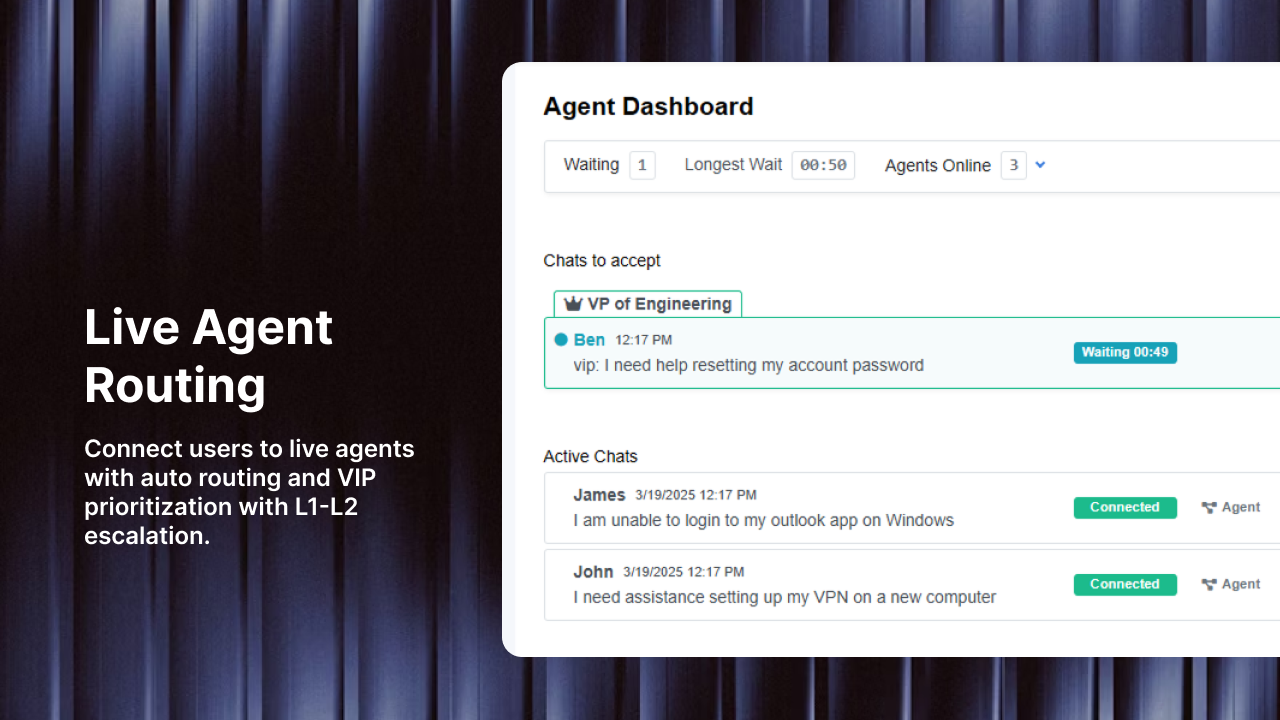
Priority-Based Routing: High-priority tickets bypass normal queues and go directly to senior agents or on-call teams [28]. Category and urgency together determine routing priority.
Automation Rules
Modern ticketing systems allow sophisticated automation based on category combinations [29]:
- If Category = "Password Reset" AND Priority = "Low" → Auto-assign to L1 support using round-robin
- If Category = "Network Outage" AND Impact = "Critical" → Auto-assign to Network Team Lead and escalate immediately
- If Category = "Software Installation" AND Product = "Adobe Creative Suite" → Route to Desktop Engineering team
- If Category = "Security Incident" → Create high-priority ticket, notify security team, and start incident response workflow
These rules eliminate manual routing decisions and get tickets to the right place instantly.
Exception Handling
Not all tickets should follow standard routing. Build exceptions for special cases [30]:
- Exclude certain agents from auto-assignment for specialized roles (security analysts, architects)
- Filter tickets matching specific criteria out of auto-assignment queues (VIP users, major incidents)
- Route tickets differently based on creation time versus due date to manage SLA compliance
Exception handling prevents automation from creating new problems while maintaining overall efficiency.
Reporting and Analytics Through Categories
Categories transform ticketing data from individual transactions into organizational intelligence.
Key Metrics to Track
Volume by Category: Shows which issues consume the most support time [31]. If 30% of tickets are password resets, invest in self-service password reset tools.
Resolution Time by Category: Reveals which issue types take longest to resolve [32]. This guides training focus and identifies process improvement opportunities.
First Contact Resolution by Category: Measures how often issues are resolved without escalation [33]. Low FCR in specific categories indicates knowledge gaps or routing problems.
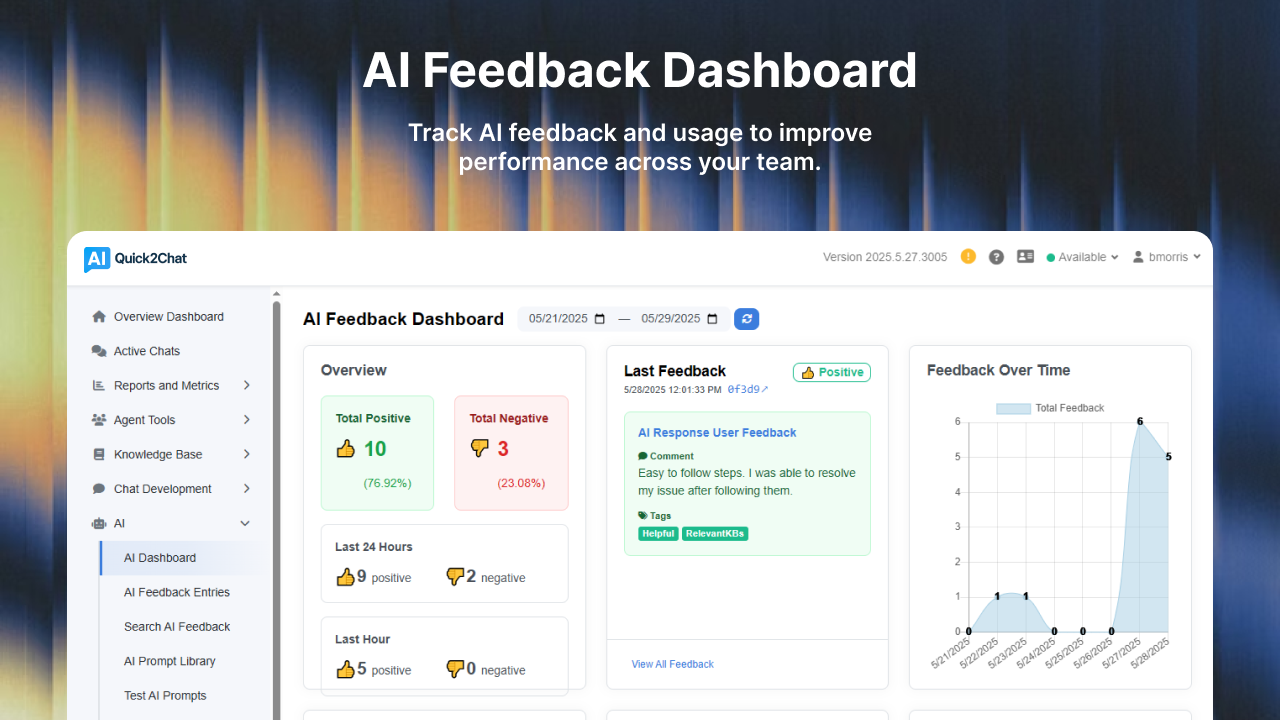
Categorization Accuracy: Tracks how often categories change during the ticket lifecycle [34]. If categories change frequently, your initial categories aren't specific enough or agents need training.
Cost per Ticket by Category: Calculates average support costs for different request types [35]. This informs decisions about automation, self-service, and staffing.
Trending and Pattern Analysis
Category data enables proactive problem management:
Spike Detection: Sudden increases in specific categories signal emerging problems. If "VPN Connection Issues" triples in a day, investigate before it becomes an outage [36].
Seasonal Patterns: Understanding cyclical ticket patterns improves resource planning. Universities see access request spikes at semester start; retailers peak during holidays [37].
Root Cause Identification: When the same category generates repeated tickets from multiple users, it indicates a problem requiring permanent fix rather than repeated incidents [38].
Dashboard Design
Effective dashboards focus on actionable insights:
- Real-time category distribution showing current team workload
- Historical trends revealing category volume changes over time
- Category resolution metrics comparing performance across issue types
- Agent performance by category highlighting expertise gaps
- SLA compliance by category identifying high-risk areas [39]
Keep executive dashboards focused on strategic metrics (category costs, trend analysis, business impact), while operational dashboards show tactical details (current queues, agent assignments, SLA status) [40].
Implementation Approach
Building or rebuilding a categorization strategy requires methodical execution.
Phase 1: Discovery and Analysis
Start by understanding your current state:
- Export historical data: Pull 6-12 months of tickets with categories, descriptions, and resolution notes
- Identify patterns: What categories are overused? Which are never used? Where do agents struggle to find the right category?
- Interview stakeholders: Talk to agents about categorization pain points and managers about reporting needs
- Review reporting requirements: What questions does leadership need answered? What operational metrics drive decisions?
UK Government ran this process by giving team members random ticket samples and asking them to write on Post-Its what they'd want to capture about each ticket [41]. This ground-up approach reveals real categorization needs.
Phase 2: Design and Testing
Create your new taxonomy based on discoveries:
- Draft category structure: Use one of the frameworks above as starting point
- Test against historical tickets: Can you categorize your actual tickets using the new structure?
- Identify gaps and overlaps: Are some categories too broad? Too specific? Redundant?
- Refine based on testing: Adjust categories until you can accurately categorize 95% of historical tickets
- Validate with stakeholders: Show the structure to agents and managers for feedback
This testing phase prevents launching a system that looks good on paper but fails in practice.
Phase 3: Documentation and Training
Success depends on consistent application:
- Create categorization guide: Document what each category means, when to use it, and examples of tickets that fit
- Build decision trees: Visual flowcharts help agents select correct categories quickly
- Develop training materials: Include common categorization mistakes and how to avoid them
- Train all agents: Don't assume the system is self-explanatory
- Identify super users: Train power users who can help others with categorization questions [42]
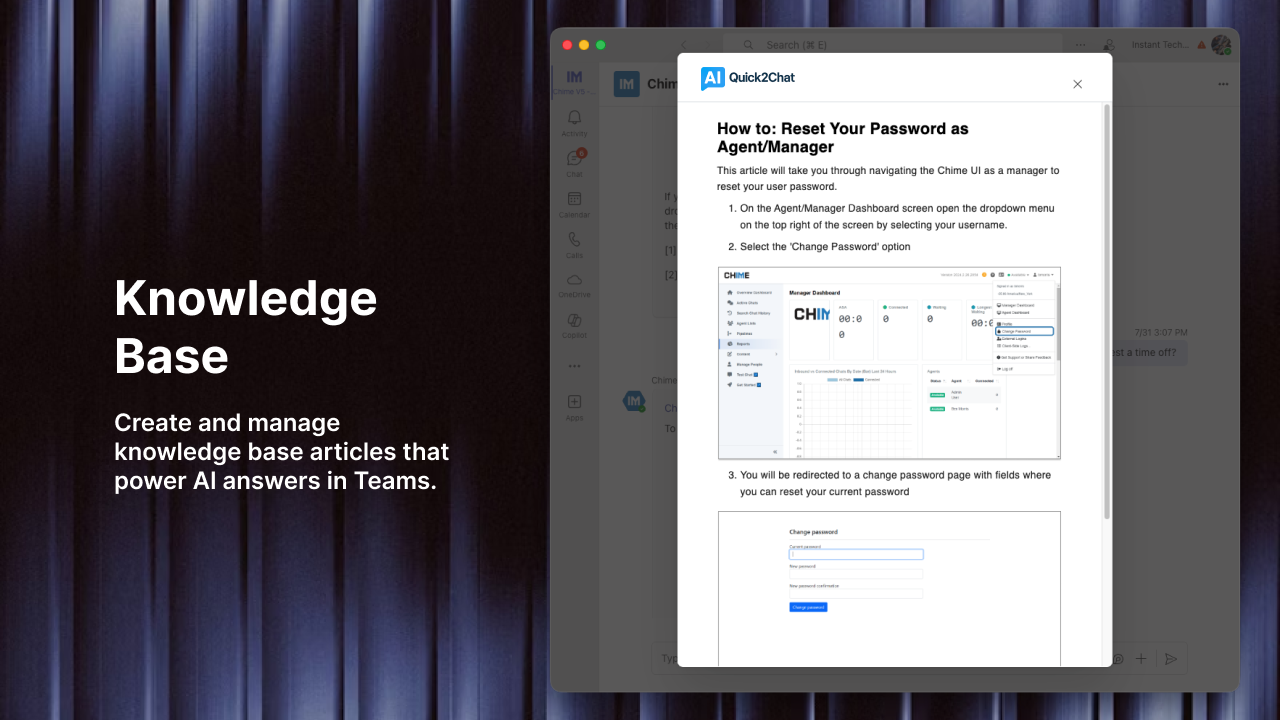
A knowledge base clearly stating what each category means, where it applies, and why it's important is necessary documentation [43]. This helps when new agents join or existing agents forget.
Phase 4: Launch and Monitor
Roll out systematically:
- Pilot with small team: Test the new taxonomy with a subset of agents before full rollout
- Monitor categorization quality: Check tickets daily for miscategorization in first two weeks
- Collect agent feedback: What categories are confusing? What's missing?
- Adjust based on real usage: Be prepared to modify categories that don't work as intended
- Expand gradually: Once pilot team succeeds, roll out to additional teams
Don't try to perfect the taxonomy before launch. You'll learn more from real usage in one week than from months of planning.
Phase 5: Governance and Maintenance
Taxonomy requires ongoing care:
- Schedule quarterly reviews: Examine category usage, identify obsolete categories, spot emerging needs
- Track category changes over time: If many tickets change categories during resolution, investigate why
- Manage category additions: Require business justification for new categories to prevent bloat
- Archive obsolete categories: Don't delete—archive categories for discontinued products/services [44]
- Update documentation: Keep categorization guides current as categories evolve
One organization reduced misrouted cases by 29% after implementing biweekly category review sessions across departments [45]. Regular maintenance keeps the system effective.
Common Pitfalls to Avoid
Learn from others' mistakes:
Analysis Paralysis: Trying to create the perfect taxonomy before launch. Perfect is the enemy of good—launch with 80% confidence and refine based on real usage [46].
Technology-First Thinking: Building categories around system capabilities rather than business needs. Your taxonomy should serve your organization, not your ticketing tool [47].
Ignoring Agent Input: Designing categories in a conference room without consulting the people who use them daily. Agents know where current categories fail [48].
Set and Forget: Launching the taxonomy and never reviewing it. Business changes, technology changes, and categories must change with them [49].
Category Proliferation: Adding new categories without removing old ones. This leads to the 500-category nightmares that plague many organizations [50].
Inconsistent Application: Having great categories but not training agents to use them correctly. The best taxonomy fails if agents don't apply it consistently [51].
Missing Business Context: Creating IT-centric categories that don't align with business objectives. Your taxonomy should support both operational efficiency and strategic goals [52].
Measuring Success
How do you know if your categorization strategy is working?
Operational Metrics:
- Time to categorize tickets (should be under 15 seconds)
- Category change rate (should be under 10% of tickets)
- Routing accuracy (tickets reaching correct team on first attempt)
- Agent satisfaction with categorization system
Business Metrics:
- Average resolution time by category
- First contact resolution rates
- Cost per ticket by category
- Reduction in escalations due to better routing
- Quality and usefulness of category-based reports [53]
Track these metrics quarterly and use them to guide taxonomy refinement. Successful categorization systems typically achieve within 90% accuracy, with category changes occurring on fewer than 10% of tickets [54].
Conclusion
An effective ticket categorization strategy transforms ticketing from a reactive scramble into a well-oiled machine. The right taxonomy speeds routing, improves resource allocation, enables better reporting, and makes both agents and customers happier.
The frameworks and principles in this guide—whether you choose ITIL, CREATE, or a hierarchical model—provide proven starting points. But remember: your perfect taxonomy is one that your organization actually uses consistently. Start simple, test with real data, train thoroughly, and refine based on actual usage patterns.
Organizations using layered classification systems resolve recurring issues 41% faster than those using single-tier models [55]. That performance difference comes not from complex technology but from thoughtful taxonomy design combined with disciplined implementation and ongoing maintenance.
Your tickets contain valuable intelligence about your operations, your customers, and your organization. A well-designed categorization strategy is the key that unlocks that intelligence.
References
[1] "Ultimate Guide to ITIL Ticket Types and Best Practices for Efficient IT Support."
[2] "Help Desk Ticket Categories Best Practices & List."
[3] "ITIL Ticket Types Explained: From Incidents to Requests."
[4] "IT Ticket Categorization versus IT Ticket Classification."
[6] "What is Ticket Routing And How to Automate it."
[7] "Help Desk Ticket Categories: CREATE Help Desk ticket classification."
[8] "IT Ticketing Metrics and KPIs for IT Service Desk Management."
[9] "Ticket Handling Best Practices: 7 Keys to Lasting Success."
[10] "ITIL & ISO 20000 Service Desk Incident Classification."
[11] "ITIL Ticket Types: Everything You Need to Know."
[12] "IT Service Management Tips: A Guide to ITIL Events Classifications."
[13] "Help Desk Ticket Classification: Setting up ticket categories."
[14] "Help Desk Ticket Categories: CREATE Help Desk ticket classification."
[15] "Help Desk Ticket Categories: CREATE Help Desk ticket classification."
[16] "Ultimate Guide to ITIL Ticket Types and Best Practices for Efficient IT Support."
[17] "Build the Four-Level Ticket Categorization Model for Better Helpdesk Management."
[18] "Ultimate Guide to ITIL Ticket Types and Best Practices for Efficient IT Support."
[19] "Help Desk Ticket Categories Best Practices & List."
[20] "Help Desk Ticket Categories Best Practices & List."
[21] "Help Desk Ticket Categories Best Practices & List."
[22] "Best Practices: How do you organize your ticket categories?"
[23] "ITIL & ISO 20000 Service Desk Incident Classification."
[24] "ITIL & ISO 20000 Service Desk Incident Classification."
[25] "Automatic Ticket Assignment in Freshdesk Using Omniroute."
[26] "How to automate ticket routing to stop ticket pile-ups."
[27] "Routing and automation options for incoming tickets."
[28] "How to Implement Automated Ticket Assignment Effectively."
[29] "Ticketing Automation: A Practical Guide for 2023."
[30] "Automated ticket routing & Round robin ticket assignment."
[31] "Ticketing System Metrics: 15 KPIs for Customer Satisfaction."
[32] "Analyzing the metrics that matter to improve customer support."
[33] "Ticketing System Metrics: 15 KPIs for Customer Satisfaction."
[34] "Support Ticket Categorization Accuracy."
[35] "16 help desk KPIs & metrics to measure IT support performance."
[36] "IT Ticketing Metrics and KPIs for IT Service Desk Management."
[37] "15 Essential Help Desk Metrics & KPIs [+ Best Practices]."
[38] "Top 15 Help Desk Metrics to Measure IT Support Performance."
[39] "16 help desk KPIs & metrics to measure IT support performance."
[40] "The Ultimate Guide to Ticket Analysis for Business Success."
[41] "Help Desk Ticket Categories Best Practices & List."
[42] "Six Best Practices for E-ticketing Implementations – The Human Factor."
[43] "Help Desk Ticket Categories Best Practices & List."
[44] "ITIL & ISO 20000 Service Desk Incident Classification."
[45] "Streamline Ticket Management: Ticket Categorization Best Practices."
[46] "Streamline Ticket Management: Ticket Categorization Best Practices."
[47] "The Case for Enterprise Taxonomy."
[48] "Six Best Practices for E-ticketing Implementations – The Human Factor."
[49] "Taxonomy Management 101: Guide to Taxonomies in Business."
[50] "Help Desk Ticket Categories Best Practices & List."
[51] "Support Ticket Categorization Accuracy."
[52] "The Case for Enterprise Taxonomy."
[53] "IT Ticketing Metrics and KPIs for IT Service Desk Management."
[54] "Support Ticket Categorization Accuracy."
[55] "Streamline Ticket Management: Ticket Categorization Best Practices."